How to Sell Ebooks Online in India (2026 Guide)
What to write, PDF or EPUB, what to charge in rupees, how to make the cover and sales page, instant delivery after UPI payment, piracy and GST basics, and promotion on Instagram.
FunnelPe Team · 10 Nov 2026 · 8 min read
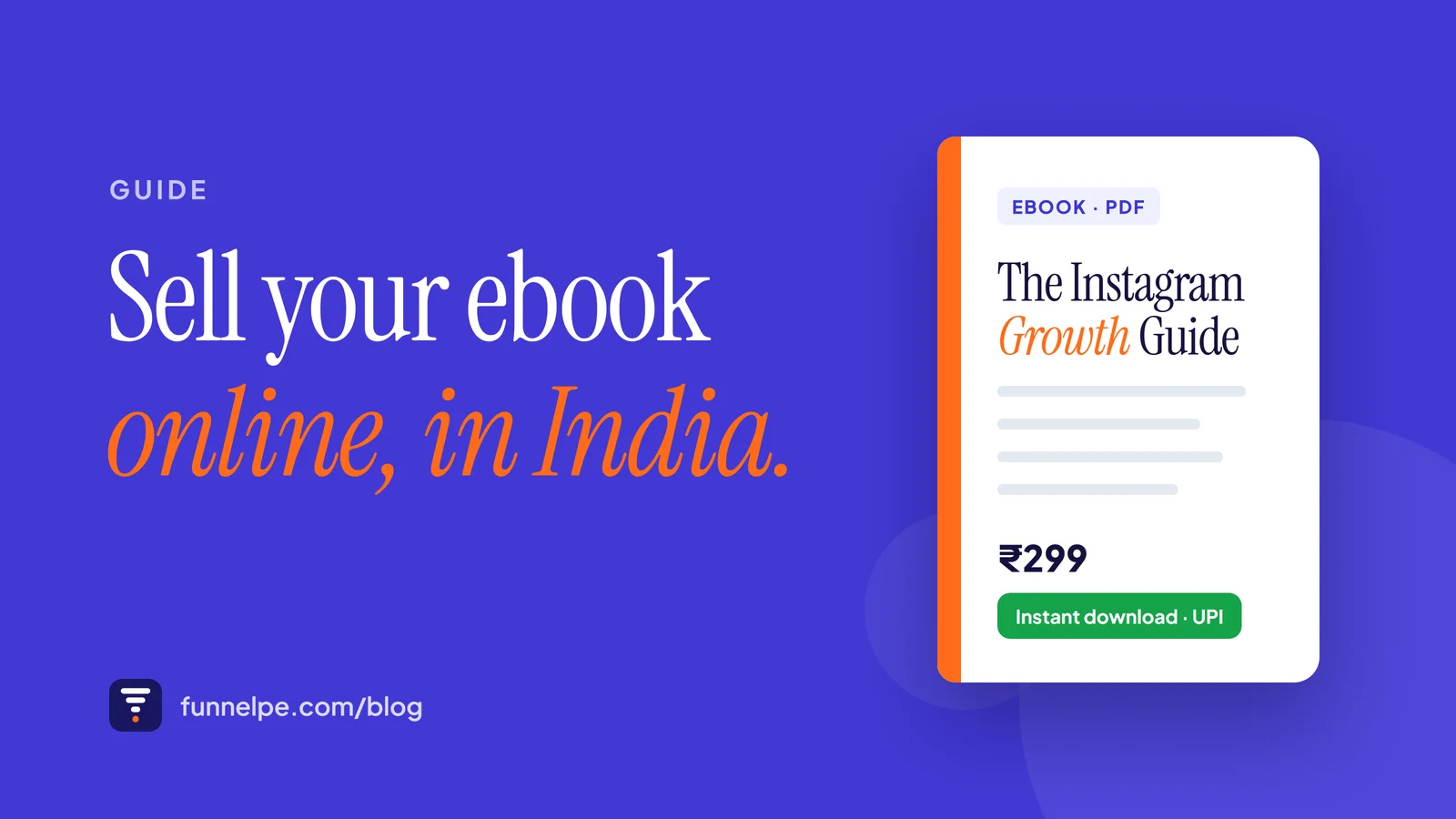
An ebook is the easiest digital product to start with. You write it once, export a PDF, and sell it again and again. No printing, no shipping, no stock. This guide covers what to write, which format to use, what to charge in rupees, the cover and sales page, delivery, piracy and GST, and how to find buyers on Instagram and WhatsApp.
Quick answer: 7 steps
- Pick one problem for one kind of reader.
- Write it as a phone-friendly PDF.
- Price it ₹199–₹499 for a first ebook, with a ₹49–₹99 add-on.
- Make a clear cover and a sales page with sample pages.
- Sell with UPI checkout and instant delivery on WhatsApp and email.
- Put your name on every page and give one chapter free.
- Promote with reels, "Comment EBOOK" auto-DMs and WhatsApp status.
1. Pick an ebook people will pay for
People pay to solve a problem faster. "My diet tips" is hard to sell. "21-day vegetarian fat-loss plan for working women" is easy to understand and easy to buy. The more specific the reader and the result, the better.
| Niche | Ebook idea | Suggested price |
|---|---|---|
| Fitness | 30-day home workout plan with an Indian diet chart | ₹199–₹399 |
| Money | First-salary guide: budget, tax basics, emergency fund | ₹299–₹499 |
| Instagram growth | 100 reel hooks and caption templates | ₹99–₹299 |
| Cooking | 50 tiffin recipes under 20 minutes | ₹149–₹299 |
| Careers | Resume and interview guide for freshers | ₹199–₹499 |
| Exams | Chapter-wise notes and solved previous-year questions | ₹49–₹699 |
Not sure what to write? If people ask you the same question every week in comments and DMs, that's your ebook. For exam notes, see our guide on selling study notes online.
2. Choose the format: PDF or EPUB
- PDF opens on every phone and laptop and keeps your layout. Best for guides, workbooks, recipes and anything with tables or images.
- EPUB lets text reflow to fit the screen. Good for long reading on e-readers, but you control the layout less.
- Start with a PDF. Most buyers will read on a phone, so use big headings, short paragraphs and a large font.
- Keep it light. Compress to under 20–30 MB so it opens fast on mobile data.
- Tools: Google Docs or Canva both export straight to PDF.
3. Price it in rupees
- ₹99–₹199 for a checklist, template pack or short guide. An easy first purchase.
- ₹299–₹499 for a complete guide. Your main product.
- ₹699–₹999 when you add templates, trackers or a bonus video.
- Add a ₹49–₹99 order bump at checkout, like a printable tracker. It costs nothing extra to deliver.
- Show a "was" price only if it's real. A launch price that goes up after the first 100 buyers is honest and works.
Here's what you keep on FunnelPe. The fee is the same on every plan, and Razorpay's charges are included in the 4%.
| Ebook price | Payment fee (4%) | GST on the fee (18%) | You keep |
|---|---|---|---|
| ₹199 | ₹7.96 | ₹1.43 | ₹189.61 |
| ₹499 | ₹19.96 | ₹3.59 | ₹475.45 |
| ₹999 | ₹39.96 | ₹7.19 | ₹951.85 |
For more on pricing, read how to price your course in India. The same ideas work for ebooks.
4. Make a cover that works on a phone
- Big title. It should be readable at thumbnail size, because that's how most people first see it.
- One strong image or colour, not five.
- Your name or brand on the cover.
- Portrait shape, around 2:3 (for example 1600 × 2400 px). Canva works well for this.
- Show the inside too. On your sales page, add 2–3 real sample pages next to the cover.
5. Write a sales page that sells
- Headline with the result: "Cook 50 tiffins in under 20 minutes each".
- Who it's for, in one line.
- 3 highlights: "80 pages", "shopping list for every recipe", "free updated edition".
- What's inside: the chapter list.
- Sample pages and a short note about you.
- Price, order bump and FAQ: format, how it's delivered, refund policy.
On FunnelPe, you build this with the drag-and-drop page builder, no coding needed. Running ads? Add your Meta Pixel with the server-side Conversions API so Meta can see your sales.
Keep ₹475 of every ₹499
Upload your ebook, set a price and share one link. Free to start, no card needed.
Start selling my ebook6. Deliver the file instantly
Checking UPI screenshots and sending PDFs by hand works for 5 sales, not 50. A store does it for you:
- The buyer pays by UPI (Google Pay, PhonePe, Paytm), card, netbanking or wallet.
- The moment they pay, they get access by email and WhatsApp.
- They can open the file again any time in their library with a one-time code. No account or password.
- The money goes straight into your own Razorpay account, and you can get a WhatsApp for every sale too.
The free Starter plan has 10 products and 1 GB of file storage, which is plenty for PDF ebooks.
7. Piracy: what you can and can't do
Honestly, any PDF can be forwarded. You can't stop it completely, so make the paid copy worth more than a forwarded one:
- Brand every page with your name and "for personal use only". A forwarded copy then advertises you.
- Release updated editions and email them to buyers. Forwarded copies go out of date.
- Sell what can't be forwarded next to the ebook: a 1:1 call, a paid group or a live session. See how to host a paid webinar.
- Give a free sample chapter, so nobody hunts for a pirated copy just to check quality.
- Report pirated copies. For public Telegram channels and bots, Telegram takes copyright complaints at [email protected].
GST invoice and tax basics
- You don't need a GST number to start. Without one, FunnelPe gives your buyers a bill of supply.
- Once you add your GSTIN, every new order gets a proper tax invoice with CGST/SGST/IGST.
- Registration generally becomes compulsory once yearly turnover from services crosses ₹20 lakh (₹10 lakh in some states). Ask a CA about your own case and the rate for your product.
- Sell only your own work. Copying a book, a course or someone else's notes into your ebook is copyright infringement.
This is general information, not legal or tax advice.
Promote your ebook on Instagram and WhatsApp
- Teach one tip from the book in a reel, then end with "Comment EBOOK for the link".
- Let AutoDM send the link. With Instagram AutoDM, everyone who comments the keyword gets your checkout link in their DMs within seconds. The free plan covers 1 AutoDM for 300 people a month. Here's our comment-to-DM guide.
- Put your store in your bio. One link to all your products works better than a list of links. See our Linktree alternative guide.
- Offer the free chapter as a ₹0 product. People leave their email and WhatsApp to get it, and you can tell them when the full ebook launches.
- Post a sample page on your status with the link, a few days before launch.
- Message people who asked for it, like those who commented or downloaded the free chapter. Don't send it to people who never asked.
- Share in groups where it's allowed, and give the admin a free copy.
- Turn readers into partners with an affiliate link and a commission on every sale they bring.
Want a full first-sale plan? Read how to sell your first digital product in India.
Where to sell: your own store or a global one
| Option | Fee per sale | UPI | You keep on ₹499 |
|---|---|---|---|
| FunnelPe | 4% + GST, Razorpay's charges included | Yes | ₹475 |
| Gumroad | 10% + $0.50, plus card processing on card payments | Yes | ₹402 or less |
| DMs and UPI screenshots | ₹0 | Yes | ₹499, but no automation, invoices or buyer list |
Gumroad is a good fit if most of your buyers are abroad. For Indian buyers paying ₹199–₹999, its fixed $0.50 per sale bites hard. Full breakdown in our Gumroad alternative for India guide.
Short mein: ebook bech kar paise kaise kamaye
Ek problem aur ek type ka reader choose karo. Ebook ko phone-friendly PDF banao, har page pe apna naam daalo. Price rakho ₹199–₹499, aur checkout pe ₹49–₹99 ka add-on. Cover simple rakho aur sales page pe 2–3 sample pages dikhao. Reel mein ek tip do aur bolo "Comment EBOOK", AutoDM link bhej dega. Buyer UPI se pay karega aur file turant WhatsApp aur email pe mil jayegi. Paisa seedha aapke Razorpay account mein.
Frequently asked questions
Can I sell ebooks online in India without a website?
Yes. A store page with UPI checkout is enough. On FunnelPe you get a store link to put in your bio, and the free Starter plan can sell.
How much should I charge for my first ebook?
₹199–₹499 is a good range for a first ebook. Go lower for a short checklist and higher when you add templates or bonuses. Then adjust as reviews come in.
How does the buyer get the ebook after paying?
On FunnelPe, the buyer gets access on email and WhatsApp the moment the payment goes through, and can open the file again in their library with a one-time code.
Do I need GST registration to sell ebooks?
Not to start. Registration generally becomes compulsory once yearly turnover from services crosses ₹20 lakh (₹10 lakh in some states). Ask a CA about your own case.
Can I stop people sharing my ebook?
Not completely. Put your name on every page, send updated editions to buyers, give a free sample, and sell things that can't be forwarded, like a call or a paid group.
What does FunnelPe charge to sell an ebook?
₹0 a month on Starter, and one payment fee of 4% + GST per sale with Razorpay's charges included. On ₹499 you keep ₹475.
Sources
- FunnelPe fees and features: pricing, Instagram AutoDM, help centre
- Gumroad fees: Gumroad help centre (checked November 2026)
- Reporting piracy: Telegram FAQ