How to Sell Canva Templates Online in India (2026 Guide)
Which Canva template packs sell, how to deliver template links without sharing your original, Canva's licence rules, rupee pricing, mockups and Instagram and Pinterest promotion.
FunnelPe Team · 10 Nov 2026 · 10 min read
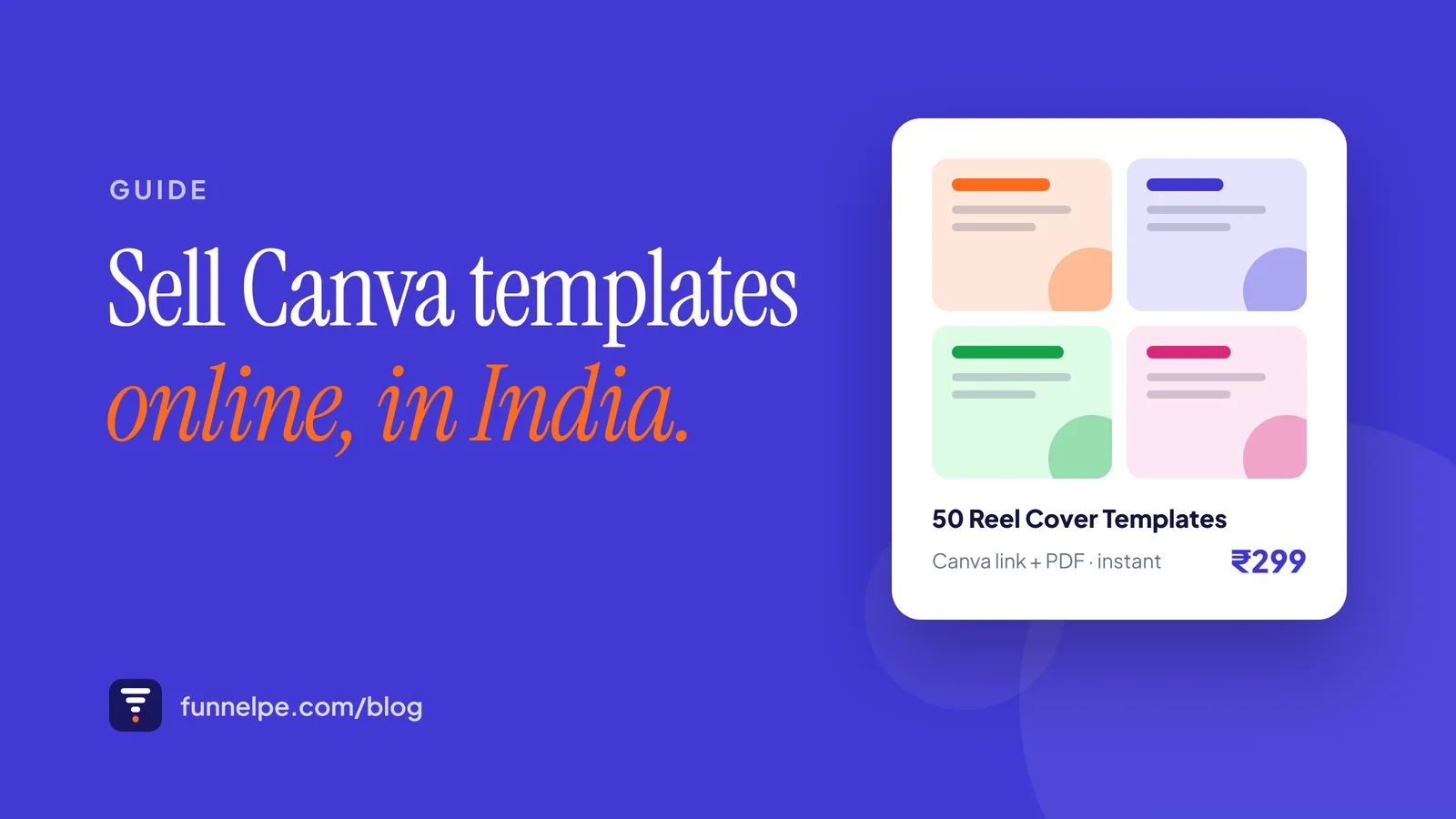
Canva templates are one of the simplest digital products to sell from India. You design once, share a link, and every buyer gets their own copy to edit. This guide covers which template packs sell, how to deliver Canva templates without giving away your original, what Canva's licence allows, what to charge in rupees, mockups and the sales page, and how to find buyers on Instagram and Pinterest.
Quick answer: 7 steps
- Pick one pack for one kind of buyer, like "30 Instagram posts for home bakers".
- Design it yourself and follow Canva's content licence.
- Deliver Canva template links inside a PDF. Never give edit access to your original.
- Price single templates ₹49–₹149 and packs ₹199–₹799.
- Show mockups and a 20-second editing demo on the sales page.
- Sell with UPI checkout and instant delivery on email and WhatsApp.
- Promote with reels, "Comment TEMPLATE" auto-DMs and Pinterest pins.
1. Pick template packs people actually buy
People buy templates to save time, or to look professional without hiring a designer. A boutique owner doesn't want "50 aesthetic posts". She wants "30 sale and new-arrival posts for a clothing boutique". The tighter the buyer and the use, the easier the sale.
| Template pack | Who buys it | What to include | Example price |
|---|---|---|---|
| Instagram posts and reel covers | Coaches, boutiques, cafes, home bakers | 20–30 posts, 10 reel covers, 5 story frames | ₹199–₹499 |
| Resumes | Freshers, job switchers | 3–5 layouts, a cover letter, a LinkedIn banner | ₹99–₹299 |
| Wedding invites | Families, wedding planners, decorators | Main card, haldi, mehendi and sangeet cards, a WhatsApp story version | ₹299–₹799 |
| Business cards | Shop owners, freelancers, small businesses | Front and back designs, a letterhead, an invoice layout | ₹149–₹399 |
| Kids worksheets | Parents, tutors, pre-school teachers | 30–50 printable pages by age or subject | ₹99–₹299 |
| Planners | Students, working professionals, homemakers | Daily, weekly, budget and habit pages | ₹149–₹399 |
- Sell what you already make well. Turn your best layouts into a fresh pack. Don't resell a design you made for a paying client: Canva says a client design can go to one client only.
- Watch the questions. If people keep asking "can you make one for me?", there's a pack in it.
- Search Pinterest the way buyers type, like "haldi invite template". Lots of saves mean demand.
Planners and worksheets that people print at home are close to ebooks. Our guide on selling ebooks online in India covers the PDF side.
2. Follow Canva's licence rules
Most new sellers skip this part, and it matters. Canva's help page on selling products made in Canva, and its Content License Agreement, set the rules. In short, as of November 2026:
- Sell only original designs. Canva says a product must combine elements, text and editing into a new creative work.
- No standalone use. You can't sell a Canva photo or graphic on its own, even with a filter, new colours, a crop or a border.
- Pro elements mean template links only. If a template uses any Canva Pro content, Canva says you can only sell it as a Canva template link, not as a PDF or other file, flattened or not.
- Free elements plus your own photos can be sold as PDFs or as template links, going by Canva's own example.
- The licence allows "design templates solely for use on Canva" (section 5). Your buyers edit in Canva, not in another app.
- Don't resell Canva's templates. Taking an existing Canva template and changing a few things isn't an original design. Build your own layouts.
- No clipart or element packs. Canva doesn't allow selling stock content like clipart made from its Free or Pro content.
- AI images have separate terms. Images made with Canva's AI tools are covered by its AI Product Terms, not the Content License Agreement.
Also keep other people's brands out: no film stills, team logos or cartoon characters. This is a summary, not legal advice. Read Canva's full licence before you launch, because the terms can change.
3. Deliver Canva templates the right way
Never share your original design with edit access. One buyer could change or delete it for everyone. Share a template link instead. Buyers use it as a template in their own Canva account, and your original stays untouched.
How to create a template link
- Make a copy of your finished design for selling, and keep the master in a separate folder.
- Open the copy and select Share in the menu bar above the editor.
- Select Template link. If you don't see it, select See all first.
- Select Create template link, then Copy.
You need a paid Canva plan, such as Canva Pro, to create template links. Canva says anyone with the link can view it and use it as a template.
Put the links in a delivery PDF
Don't paste 30 bare links into a message. Make a short PDF in Canva:
- Page 1: the pack name, your name and a thank-you line.
- Page 2: how to use it in 4 steps: open the link, log in to Canva, use the template, edit and download.
- Page 3 onwards: a small preview of each template with its own clickable link.
- Last page: your licence terms (personal or business use, no reselling, no sharing the links) and your WhatsApp or email for help.
Before your first sale, open every link from a different Canva account, like a family member's, to check it works.
If your links leak
Template links can be forwarded. If you find your pack in a public Telegram channel, open the design in Canva and go to Share, then Template link, then Delete template link. Canva makes the old URL inactive. Create a new link, update your delivery PDF and replace the file on your product page, so buyers get the new links.
4. Price your templates in rupees
- ₹49–₹149 for a single template, like one resume or one invite. An easy first purchase.
- ₹199–₹499 for a themed pack of 20–30 Instagram posts, or a resume set with a cover letter.
- ₹299–₹799 for a full wedding invite set with function cards and story versions.
- ₹699–₹1,499 for a bundle of several packs.
- Add a ₹49–₹99 order bump at checkout, like 10 extra story templates.
- Launch prices must be real. "₹199 for the first 50 buyers, then ₹299" works only if you really raise it.
Here's what you keep on FunnelPe. The fee is the same on every plan, and Razorpay's charges are included in the 4%.
| Price | Payment fee (4%) | GST on the fee (18%) | You keep |
|---|---|---|---|
| ₹99 | ₹3.96 | ₹0.71 | ₹94.33 |
| ₹299 | ₹11.96 | ₹2.15 | ₹284.89 |
| ₹499 | ₹19.96 | ₹3.59 | ₹475.45 |
| ₹799 | ₹31.96 | ₹5.75 | ₹761.29 |
Check your own price with the fee calculator. For more on choosing a price, read how to price your course in India. The same thinking works for template packs.
5. Make mockups and a sales page that sells
Buyers can't try the templates before they pay, so your mockups do the selling.
Mockups
- Show templates in use: posts on a phone showing an Instagram grid, an invite on a table with flowers, a resume on a laptop screen.
- Show the range: one image with 9–12 templates side by side, so the pack looks like good value.
- Record a 20-second screen video of you editing the text and colours. It answers "is it easy to edit?" instantly.
Sales page
- Headline with the result: "30 ready Instagram posts for your boutique. Edit each in 10 minutes."
- Who it's for, in one line.
- What's inside: the number of templates, the sizes (for example 1080 × 1350 px posts and 1080 × 1920 px reel covers) and the fonts used.
- What buyers need: a Canva account, and whether a free account is enough for your pack.
- How delivery works: "You get a PDF with Canva template links right after payment."
- Licence line: what buyers can and can't do with the templates.
- FAQ and refund policy. Templates are delivered instantly, so say clearly whether you give refunds, and promise to fix any link that doesn't work.
6. Promote on Instagram, Pinterest and WhatsApp
- Show the edit in a reel: blank template to finished post in 15 seconds, ending with "Comment TEMPLATE for the link".
- Let AutoDM send the link. With Instagram AutoDM, everyone who comments the keyword gets your product link in their DMs. The free plan covers 1 automation for 300 people a month. Here's our comment-to-DM guide.
- Post carousels of 10 templates from a pack. People save them to come back later.
- Keep one store link in your bio. See our Linktree alternative guide.
- Make one pin per template in a tall 2:3 shape (for example 1000 × 1500 px), each linking to your product page.
- Write pin titles the way people search: "haldi invitation template Canva", "fresher resume template".
- Be patient. A pin can keep bringing visitors for months. A story is gone in 24 hours.
WhatsApp and a free sample
- Give one template free as a ₹0 product. People leave their email and WhatsApp number to get it, and you can tell them when a new pack launches.
- Post new packs on your WhatsApp status with the link.
Planning your first launch? Read how to sell your first digital product in India.
7. Sell Canva templates on FunnelPe as a digital download
- Create a digital download product and add the title, price, mockups, editing video and FAQ with the page builder.
- Upload your delivery PDF. You can also paste the template links in the "Extra links or instructions" box, which only buyers see after payment.
- Add an order bump, like extra story templates, and a launch coupon if you want one.
- Share one link in your bio, reels and WhatsApp status.
Buyers pay by UPI, card, netbanking or wallet. The moment they pay, they get access by email and WhatsApp, and they can open the PDF again any time in their library with a one-time code. The money goes straight to your own Razorpay account. Buyers get a GST invoice, or a bill of supply if you haven't added a GSTIN. The free Starter plan has 10 products and 1 GB of storage, plenty for PDFs of links. Full plan details are on the pricing page.
Short mein: Canva templates kaise bechein
Ek buyer aur ek use pick karo, jaise "boutique ke liye 30 Instagram posts". Design khud banao aur Canva ka licence follow karo: Pro elements hain toh sirf template link se becho, PDF se nahi. Buyer ko apne original ka edit access kabhi mat do. Template link banao aur saare links ek PDF mein daal do. Single template ₹49–₹149 aur pack ₹199–₹799 rakho. Sales page pe mockups aur 20-second ka editing video lagao. Reel mein editing dikhao aur bolo "Comment TEMPLATE", AutoDM link bhej dega. Pinterest pe har template ka pin banao. Buyer UPI se pay karega aur PDF turant email aur WhatsApp pe mil jayegi.
Frequently asked questions
Is it allowed to sell Canva templates?
Yes, within Canva's rules. Its Content License Agreement allows design templates for use on Canva, as long as they are your original designs and you follow the rules on Pro content and standalone use.
Can I sell Canva templates as a PDF?
Only if the template has no Pro content, for example Free elements plus your own photos. Canva says templates with Pro content can only be sold as Canva template links.
Do I need Canva Pro to sell templates?
You need a paid Canva plan, such as Canva Pro, to create template links. Tell buyers on your sales page whether a free Canva account is enough to use your pack.
How do I stop people sharing my template links?
You can't stop it completely. Put your name and licence terms in the delivery PDF, and if a link leaks, delete it in Canva, create a new one and update the PDF.
Do I need GST registration to sell templates?
Not to start. For suppliers of services, registration generally becomes compulsory once yearly turnover crosses ₹20 lakh (₹10 lakh in Manipur, Mizoram, Nagaland and Tripura). Ask a CA about your own case.
What does FunnelPe charge to sell Canva templates?
₹0 a month on Starter, and one payment fee of 4% + GST per sale with Razorpay's charges included. On ₹499 you keep ₹475.
Sources
- Canva licence rules: Use Canva to design digital and physical products for sale (checked November 2026)
- Canva Content License Agreement, sections 4A and 5 (checked November 2026)
- Template links: Share your design as a template link, Canva Help Center (checked November 2026)
- GST registration thresholds: CBIC, GST: An Update (checked November 2026)
- FunnelPe fees and features: pricing, Instagram AutoDM, help centre